
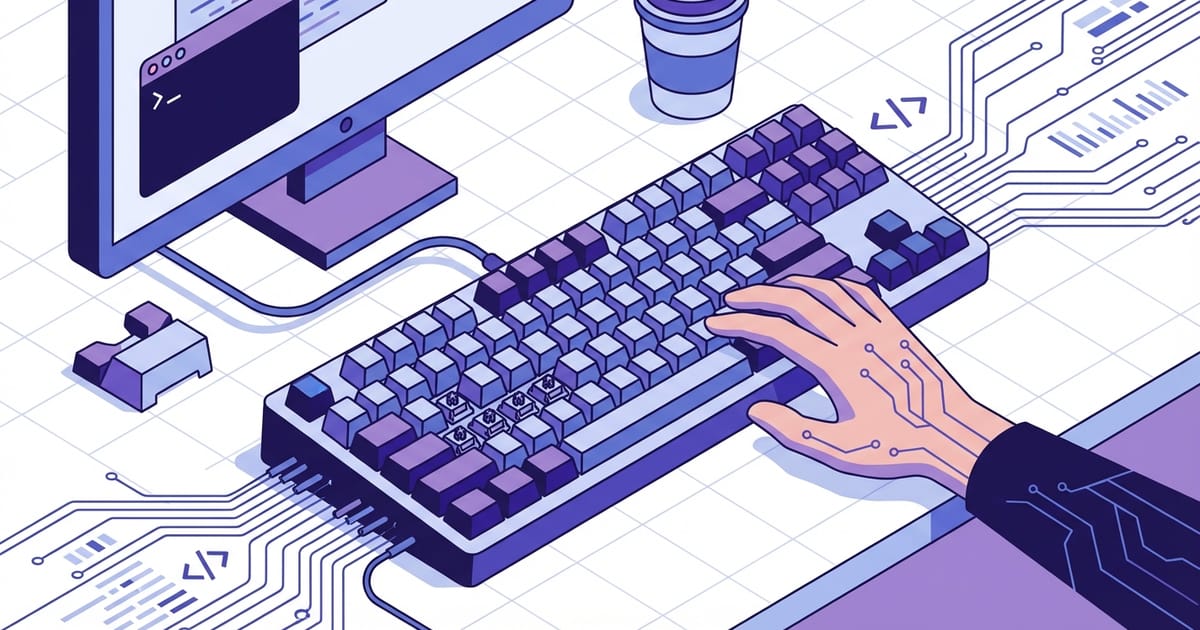
I Went Down the Mechanical Keyboard Rabbit Hole (So You Don't Have To)
It started innocently. My laptop keyboard was getting mushy after 2 years of heavy use, so I figured I'd get a decent external keyboard. Six months and $400 later, I own three mechanical keyboards and can tell you exactly why Cherry MX Blues are overrated.
Here's everything I wish someone had told me before I started obsessing over key switches and keycap profiles.
Why Mechanical Keyboards Actually Matter for Programming
Look, 90% of the mechanical keyboard community is pure hobbyist enthusiasm. But there are real benefits for people who type 6+ hours daily:
Tactile feedback - You know exactly when a key actuates instead of mushing through membrane travel. Fewer typos, more confident typing.
Durability - Quality switches are rated for 50+ million presses. Your membrane keyboard probably won't survive 10 million.
Customization - Don't like the layout? Change it. Keys wearing out? Replace just those keys. Try doing that with a laptop keyboard.
Comfort - Better ergonomics and consistent key feel reduce finger fatigue during long coding sessions.
The downsides are real too: they're louder, more expensive, and take up more desk space. But if you type for a living, the tradeoffs usually make sense.
Switch Types: The Core Decision
This is where most people get overwhelmed. There are like 500 different switch types now, but you really only need to understand three categories:
Linear switches - Smooth travel from top to bottom, no tactile bump. Think Cherry MX Red or Gateron Yellow. Great for gaming, decent for typing. Quiet operation.
I use linear switches for my work setup because they don't annoy my coworkers on video calls. Smooth, predictable, fast.
Tactile switches - Noticeable bump when the switch actuates, but no click sound. Cherry MX Brown is the most common. Good compromise between feedback and noise levels.
These are popular with programmers because you get physical confirmation of each keypress without the noise of clicky switches.
Clicky switches - Tactile bump plus audible click. Cherry MX Blue is the classic example. Very satisfying to type on but loud enough to annoy everyone within 20 feet.
Perfect for home office work where you want maximum typing satisfaction. Terrible for shared workspaces unless you want to become "that guy."
Keyboards That Don't Suck (And Won't Bankrupt You)
Keychron K2/K3 ($70-90) - Great starter mechanical keyboard. Wireless, Mac-compatible, hot-swappable switches. The K3 is low-profile for people coming from laptop keyboards.
I recommend the K2 with Gateron Brown switches for most people. Good balance of features, quality, and price.
Ducky One 2 ($100-120) - Excellent build quality, no gimmicks. Comes with Cherry switches and double-shot keycaps that'll last forever. This is what you buy when you want something reliable that just works.
WASD Custom ($150-180) - US-made, fully customizable layout and keycaps. Great if you have specific layout needs or want custom legends printed on keys.
Framework Laptop Keyboard ($50) - Okay, this isn't mechanical, but it's the best laptop-style keyboard I've used. Excellent if you want desktop keyboard ergonomics without giving up portability.
Expensive Stuff That's Actually Worth It
Leopold FC750R ($120-140) - The gold standard for no-nonsense mechanical keyboards. Amazing build quality, excellent switches, zero RGB nonsense. This is what you buy when you want the best typing experience without paying for marketing hype.
Topre Realforce ($200-300) - Electro-capacitive switches that feel like nothing else. Expensive but genuinely different typing experience. Worth trying if you type professionally and budget allows.
Happy Hacking Professional ($250) - Compact layout loved by programmers. Takes time to adjust to the layout, but many swear by it once adapted.
Features That Matter vs. Marketing Nonsense
Actually useful:
Hot-swappable switches - Change switch types without soldering. Great for experimentation or replacing broken switches.
Programmable layouts - Remap keys, create macros, customize function layers. QMK firmware is the gold standard.
USB-C connection - Better cable management and durability than micro-USB.
Wireless with low latency - Freedom from cables without input lag. Look for 2.4GHz dongles, not just Bluetooth.
Marketing nonsense:
RGB lighting - Looks cool for about a week, then you turn it off because it's distracting.
"Gaming" features - Mechanical keyboards are already great for gaming. Extra "gaming" features are usually marketing fluff.
Exotic materials - Aluminum vs plastic makes less difference than you'd think for typing feel.
Common Beginner Mistakes
Buying too expensive too fast - You don't know what you like yet. Start with a solid $80-120 keyboard and upgrade later if you get hooked.
Obsessing over switches - The difference between good switches is smaller than the internet makes it seem. Cherry MX Browns, Gateron Browns, and similar tactile switches all feel pretty similar.
Ignoring layout - Do you actually need a number pad? Arrow keys? Function keys? Smaller layouts save desk space and reduce hand movement.
Not considering your environment - Clicky switches sound awesome until your partner threatens to throw your keyboard out the window during their Zoom calls.
My Honest Recommendation
For most programmers, I'd recommend starting with a Keychron K2 or K6 with Gateron Brown switches. It's wireless, well-built, reasonably priced, and gives you a proper introduction to mechanical keyboards without overwhelming complexity.
Use it for a few months. If you love it, consider upgrading to a Leopold or Ducky for better build quality. If you find yourself wanting to customize everything, then dive into the enthusiast stuff.
But honestly? A good $80 mechanical keyboard will serve most people perfectly for years. The expensive stuff is fun if you're into the hobby, but it's not necessary for productivity.
The real benefit isn't the specific keyboard—it's moving from a cheap membrane keyboard to any decent mechanical one. That jump is way bigger than going from a decent mechanical keyboard to an expensive one.