My 2026 Developer Toolkit (The Stuff I Actually Use)
Every year, someone publishes a "modern developer toolkit" with 47 different tools that all supposedly "every developer needs." Most of these lists include tools the author heard about on Twitter but never actually used for real work.
Here's my honest developer toolkit—the stuff I reach for multiple times per week, not just tools that look good in screenshots.
Code Editor: Still Just VS Code
I've tried the new hotness—Cursor, Zed, Nova—but I keep coming back to VS Code. The extension ecosystem is just too good, and years of customization make it feel like home.
Key extensions I can't live without: GitLens for Git integration, Thunder Client for API testing, Live Share for pair programming, and Prettier for code formatting. That's it. I resist the urge to install every cool extension I see.
Zed is genuinely faster, especially for large files, but not enough to overcome muscle memory and established workflows. Maybe in 2027.
Terminal: Warp (But With Reservations)
Warp replaced iTerm2 for me about 8 months ago. The AI command suggestions are hit-or-miss, but the persistent session history and block-based output are genuinely useful. Being able to select and copy entire command outputs without weird line breaks saves time daily.
The downside? It requires an account and phones home constantly. Not ideal for privacy-conscious developers. But the productivity gains outweigh my privacy concerns for now.
If you want something more traditional, Alacritty is blazing fast and Kitty has excellent features without the account requirement.
Version Control: Git + GitHub Desktop
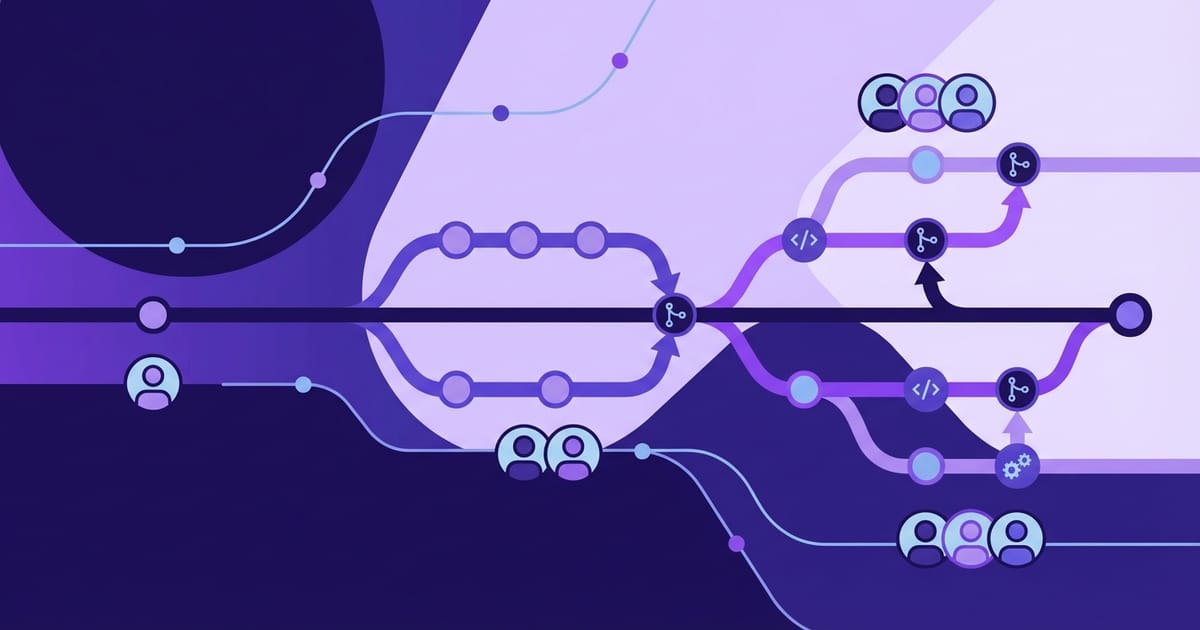
Controversial take: GUI Git clients are often better than command line for complex operations. I use the terminal for basic add/commit/push, but GitHub Desktop for reviewing diffs, managing branches, and resolving merge conflicts.
The visual diff tools in GitHub Desktop make code review so much easier than `git diff` in the terminal. Being able to stage individual lines with point-and-click is faster than hunting through patch files.
For complex rebasing or when I need to be really precise, I drop back to the command line. But for daily work? GitHub Desktop handles 80% of my Git needs with less cognitive overhead.
API Development: Bruno + Postman
I'm splitting my API testing between Bruno (for personal projects) and Postman (for team work). Bruno keeps my API collections in Git alongside my code, which feels right. Postman's collaboration features are still unmatched for team environments.
The ideal would be Bruno with Postman's collaboration layer, but until that exists, I'm using both depending on context.
Database Tools: TablePlus
TablePlus replaced every other database client for me. Clean interface, fast connections, excellent query editor with syntax highlighting. Works with PostgreSQL, MySQL, SQLite, and basically everything else I need to touch.
The SSH tunneling support is perfect for accessing production databases securely. And the data browser is intuitive enough that non-technical team members can explore data without learning SQL.
At $89, it's not cheap, but I use it daily and it's faster than every free alternative I've tried.
Design and Prototyping: Figma + Excalidraw
Figma for anything polished that needs to be shared with stakeholders. Excalidraw for quick sketches, flowcharts, and architecture diagrams. The hand-drawn aesthetic of Excalidraw is perfect for "rough draft" visuals that communicate "this is just a concept."
I also keep draw.io bookmarked for more formal diagrams, but Excalidraw handles 90% of my visual communication needs.
Note-Taking: Apple Notes + Notion
Apple Notes for quick capture and daily notes. Notion for project documentation and knowledge bases. I tried to consolidate into just Notion, but Apple Notes is too fast and convenient for temporary thoughts.
The OCR in Apple Notes is secretly amazing—I can photograph whiteboards and search for text in them later.
Development Environment: Docker + Local
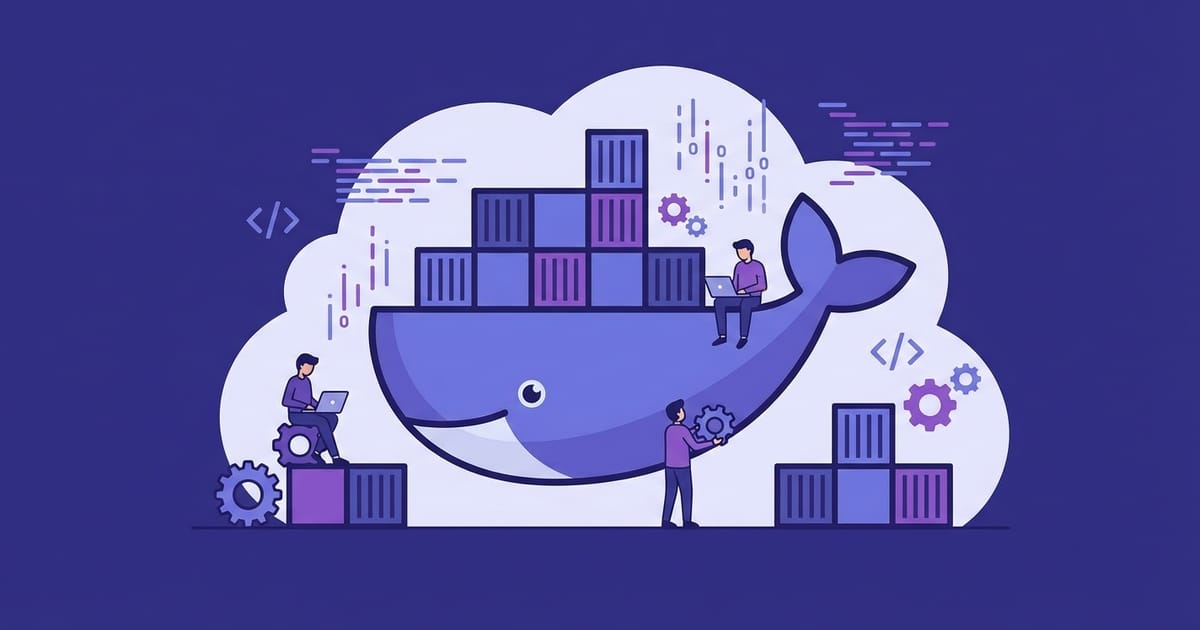
Most projects get Docker Compose for development environments. Eliminates "works on my machine" issues and makes onboarding new team members trivial. When someone joins the team, they run `docker-compose up` and have a working environment in minutes.
For simple projects or when Docker overhead isn't worth it, I run things locally with version managers (nvm for Node, pyenv for Python, rbenv for Ruby). The container-first approach is becoming default, but sometimes local is just simpler.
Deployment and Monitoring: Vercel + Railway
Vercel for frontend deployments—their Next.js integration is magical. Railway for backend services and databases. Both handle the infrastructure complexity I don't want to think about.
I know AWS is more powerful and cost-effective at scale, but for most projects, the developer experience of these platforms is worth the premium. Time saved on DevOps can be spent building features.
Communication: Slack + Linear
Slack for real-time team communication. Linear for project management and issue tracking. I've used Jira, Trello, Asana, and everything else—Linear strikes the best balance between power and simplicity.
Linear's keyboard shortcuts make issue management almost as fast as text editing. And the automatic Git integration means I rarely have to manually update issue status.
Tools I'm Watching (But Not Using Yet)
Cursor - VS Code fork with better AI integration. The AI pair programming features look compelling, but I'm waiting for more stability.
Tauri - Rust-based alternative to Electron for desktop apps. Much smaller bundles and better performance, but the ecosystem isn't mature enough for production use.
Bun - JavaScript runtime that's way faster than Node. Still has compatibility issues, but promising for the future.
What I Deliberately Don't Use
Complicated build tools - Webpack configs that require a PhD to modify. I stick to Vite, Next.js, or other tools with sensible defaults.
Too many monitoring tools - It's easy to go overboard with error tracking, performance monitoring, and analytics. I pick one or two tools that cover my actual needs instead of trying to instrument everything.
Bleeding-edge frameworks - Let someone else debug the alpha releases. I adopt new technology when it's proven stable and has good documentation.
The Real Key: Consistency Over Perfection
The best toolkit is the one you actually use consistently. I've seen developers spend weeks optimizing their development environment and then never touch it again. Better to pick good-enough tools and focus on building things.
My toolkit evolves gradually—I replace tools when I hit real limitations, not just because something new gets hyped on Twitter. Stability and familiarity often matter more than having the latest features.
Start with basics that work, learn them deeply, and upgrade only when you have specific pain points to solve. Your future self will thank you for the consistency.