Confession: I'm Addicted to Automating Stupid Tasks
It started innocently enough. I got tired of manually posting my blog articles to Twitter, so I set up a simple Zapier automation. RSS feed updates → new tweet. Done. Saved me maybe 2 minutes per post.
But then I noticed I was also manually copying email addresses from contact forms into my CRM. Another automation. Then updating my content calendar spreadsheet every time I published something. Another one. Before I knew it, I had 23 different automations running, and I'd saved myself about 90 minutes per week.
Here's what I learned testing Zapier, Make, and n8n for the past year: they're all good, but they solve different problems. Let me break down which one you should actually use.
Zapier: The Gateway Drug of Automation
Zapier is like the Toyota Camry of automation platforms—reliable, easy to use, and boring in all the right ways. If you've never automated anything before, this is where you start.
The interface is dead simple. "When this happens, do that." Gmail gets an email with "invoice" in the subject → create a row in Google Sheets. Done. No flow charts, no complex logic, just straightforward cause and effect.
What makes Zapier addictive is the app library. 7,000+ integrations. Literally everything connects to everything. Want to turn your Spotify "liked songs" into a Twitter thread? There's probably a way. (Please don't actually do this.)
I use Zapier for my "set it and forget it" automations. New blog post → social media posts → email newsletter queue → team Slack notification. It just works, and I haven't touched that automation in 8 months.
The downside? It gets expensive fast. The free plan gives you 100 tasks per month, which sounds like a lot until you realize that checking for new emails 20 times a day burns through your quota in 5 days. And once you need multi-step workflows or filters, you're looking at $30-50+ monthly.
But for simple automations that save you actual time? Worth every penny.
Make: Where Workflows Get Weird (In a Good Way)
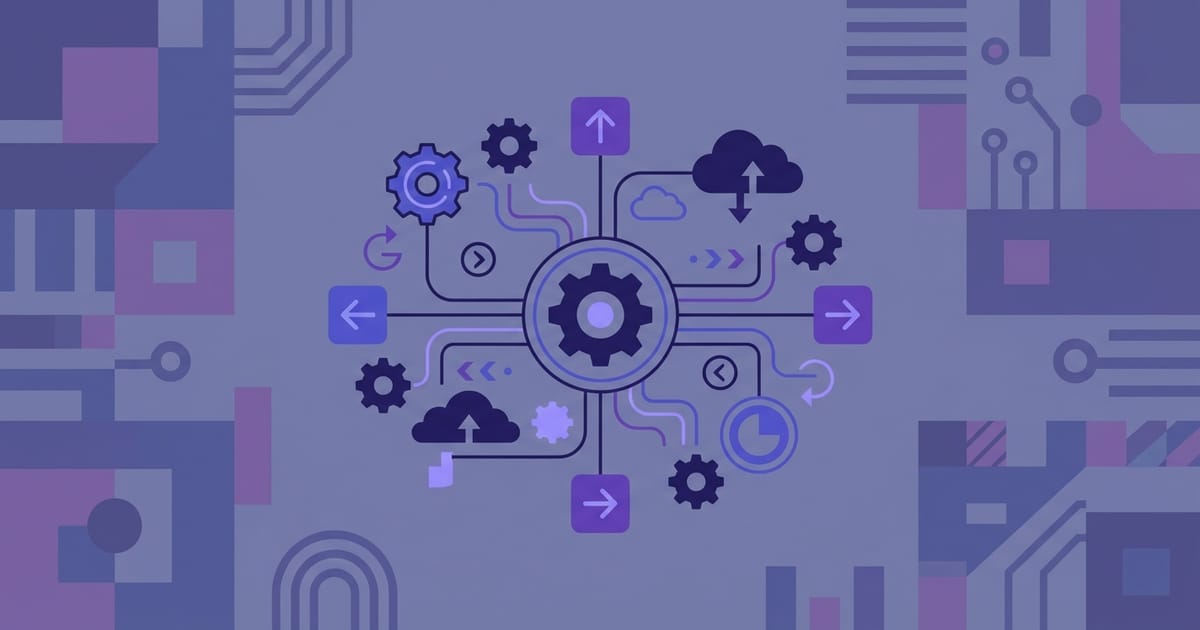
Make (formerly Integromat) is what happens when engineers design an automation platform. Instead of simple linear flows, you get visual flowcharts that look like circuit diagrams.
This is where things get powerful. Need conditional logic? Multiple triggers? Data transformations? Error handling? Make handles it all. I built an automation that monitors my website's contact form, extracts the inquiry type using AI, routes sales leads to my CRM and support requests to my help desk, and sends different follow-up emails based on the classification. Try doing that in Zapier.
The visual interface actually helps with complex workflows. When you've got 15 different branches and conditions, seeing it laid out like a flowchart makes debugging so much easier. Plus, Make's data transformation tools are insane—I can parse JSON, manipulate arrays, and restructure data without writing code.
Cost-wise, Make is aggressive. $10/month gets you 10,000 operations vs Zapier's 750 tasks for $30. If you're doing heavy automation, the math is pretty clear.
The catch? Learning curve. Make requires thinking in terms of "scenarios" and "modules." It's more powerful, but also more complex. I spent my first week feeling like I was learning a new programming language.
n8n: For the Control Freaks Among Us
n8n is the tool I didn't know I needed until I tried it. It's open source, which means I can self-host it on my own server and run unlimited automations for the cost of a $5/month VPS.
The killer feature is code nodes. When the pre-built integrations don't do exactly what you want, you can drop in JavaScript or Python to fill the gaps. I built an automation that scrapes competitor pricing, analyzes it with a custom algorithm, and adjusts my own pricing accordingly. Try doing that with the other platforms.
AI agent capabilities are built-in, which feels like magic. I have an automation that reads my customer support emails, categorizes them by urgency, drafts initial responses, and only bothers me with the complex ones. It's like having an AI assistant that actually works.
The self-hosted aspect is huge for privacy-conscious teams. Your automation data never leaves your infrastructure. No vendor lock-in, no compliance headaches, no wondering what happens to your workflows if the company gets acquired.
Downsides? It's definitely the most technical option. Setting up self-hosted n8n requires comfort with Docker and basic server administration. The cloud option exists, but then you lose the main advantages.
Real Talk: Which One Should You Pick?
Start with Zapier if: You've never done automation before, you want maximum app compatibility, or you prefer paying for simplicity over learning curves. It's the safe choice that'll work for 80% of people.
Graduate to Make if: Zapier's limitations frustrate you, you need complex conditional logic, or you're doing high-volume automation and want better pricing. The visual workflow builder is genuinely better for complex scenarios.
Consider n8n if: You're comfortable with technical setup, need complete control over your data, or want to write custom code in your automations. It's the most powerful option but requires the most expertise.
In practice, I use different tools for different purposes. Zapier for simple content publishing workflows because they just need to work. Make for complex lead qualification processes that involve multiple decision points. n8n for custom data processing that requires actual code.
The Automation Mindset Shift
Here's what nobody tells you about automation: the biggest benefit isn't time savings—it's mental energy savings.
When I had to manually remember to post content to social media, part of my brain was always tracking that task. "Did I post today's article? What about LinkedIn? Should I customize the copy for each platform?" That background cognitive load was exhausting.
Now? I hit publish and everything else happens automatically. The mental space freed up by not having to remember routine tasks is honestly life-changing.
Start small. Pick one repetitive task you do at least weekly—updating spreadsheets, sending follow-up emails, backing up files, whatever. Build an automation for that one thing. Get comfortable with it. Then find the next thing.
Within a few months, you'll wonder how you ever got anything important done when you were spending so much time on digital busy work.